
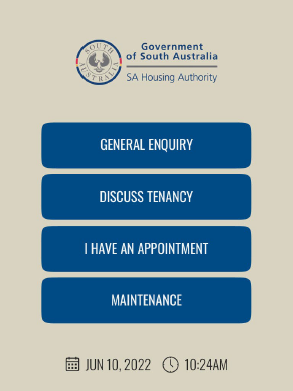
Government · South Australia
SA Housing Authority
From an initial self-service kiosk at Elizabeth to a cloud queue management rollout across eight Housing SA metropolitan offices.
Read case studyCustomer stories
Explore how Australian organisations use QRight to organise arrivals, support their teams and keep visitors informed.
Government · South Australia
From an initial self-service kiosk at Elizabeth to a cloud queue management rollout across eight Housing SA metropolitan offices.
Read case study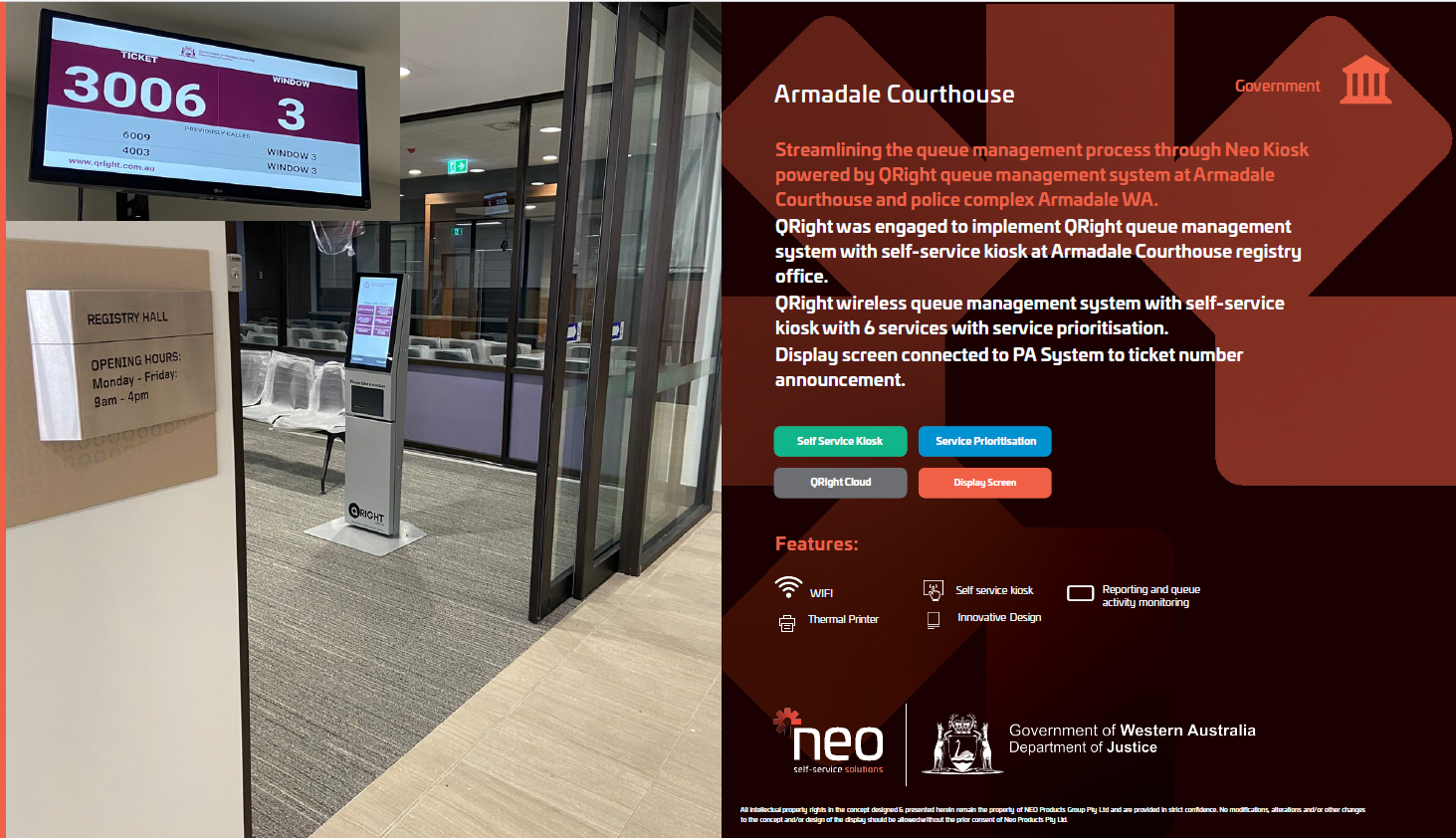
Justice · Western Australia
A self-service queue management installation with six service options, prioritisation and number announcements through the PA system.
Read case study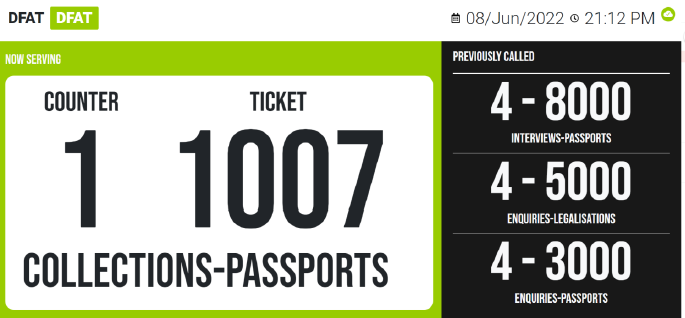
Government · Western Australia & ACT
A customised queue workflow for DFAT, giving visitors mobile queue updates as passport demand returned after international borders reopened.
Read case study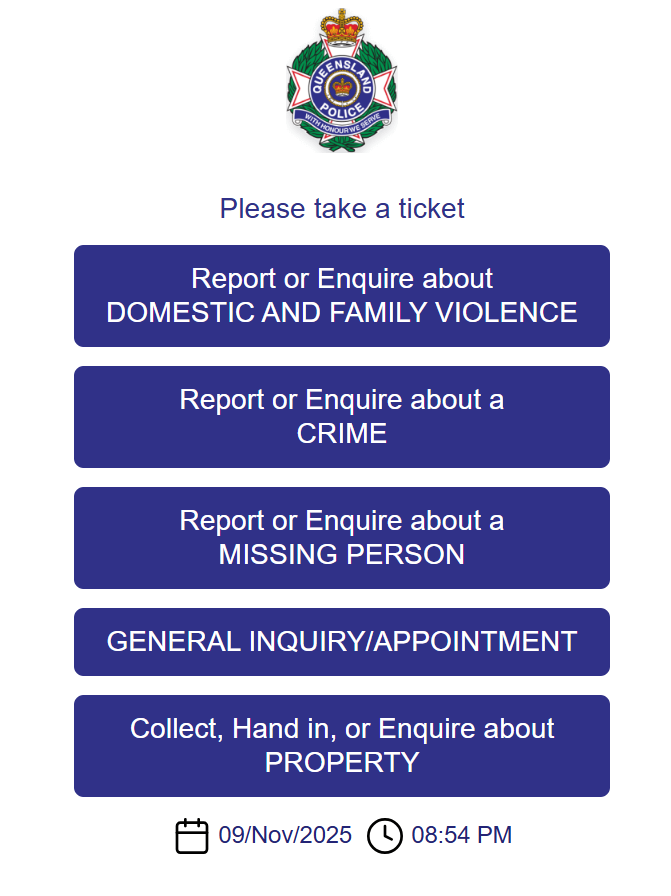
Police services · Queensland
QRight helps Queensland Police organise walk-in visits, prioritise service needs and gather meaningful data about demand.
Read case study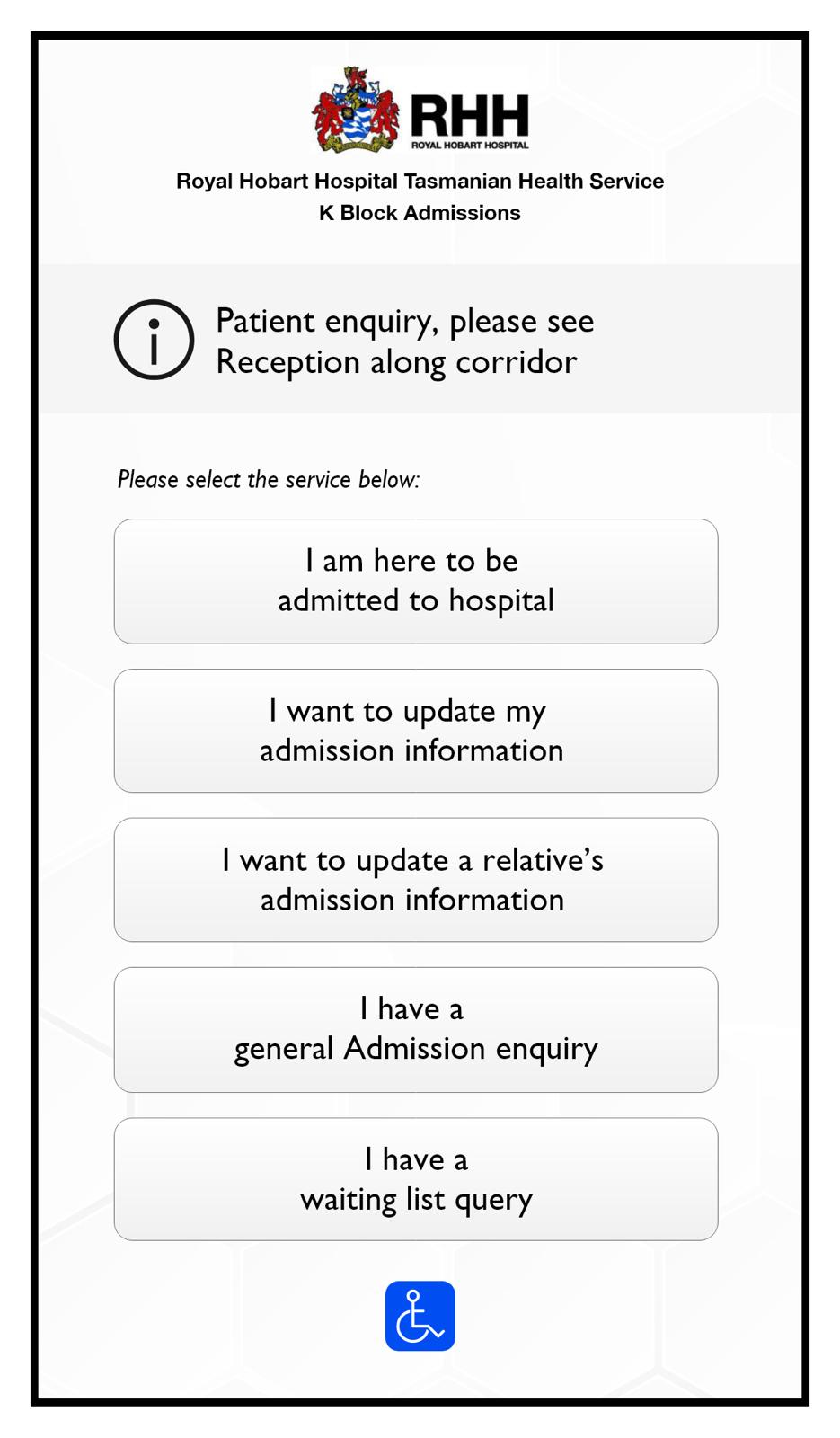
Healthcare · Tasmania
Patient check-in at Royal Hobart Hospital, with a self-service admissions kiosk and clear ticket-to-window calling.
Read case study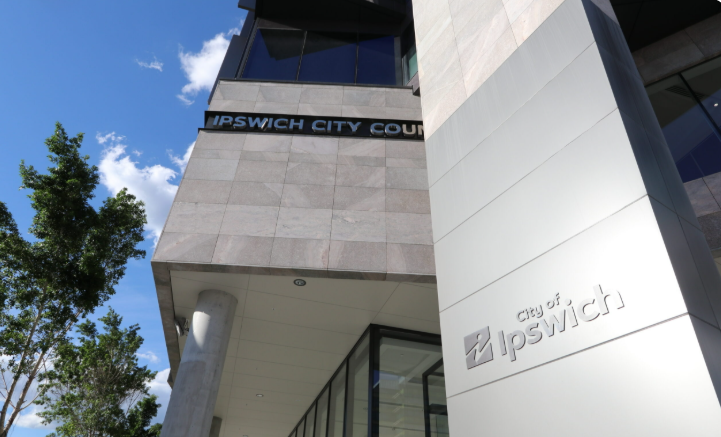
Local government · Queensland
A concierge-led queue management approach that helps council staff organise arrivals and bring service to the customer.
Read case study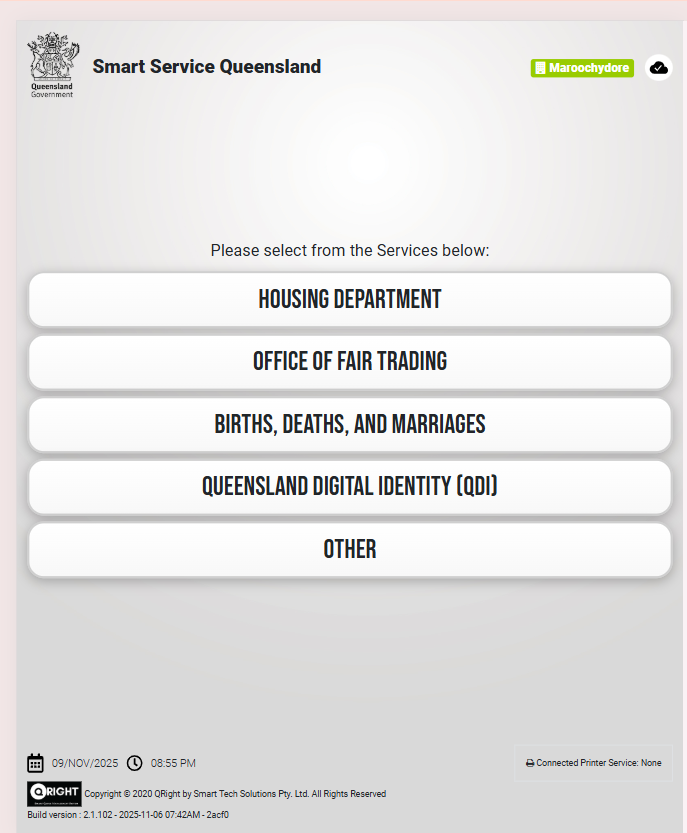
Government services · Queensland
QRight queue management for Services Queensland locations in Brisbane, Cairns and Maroochydore.
Read case study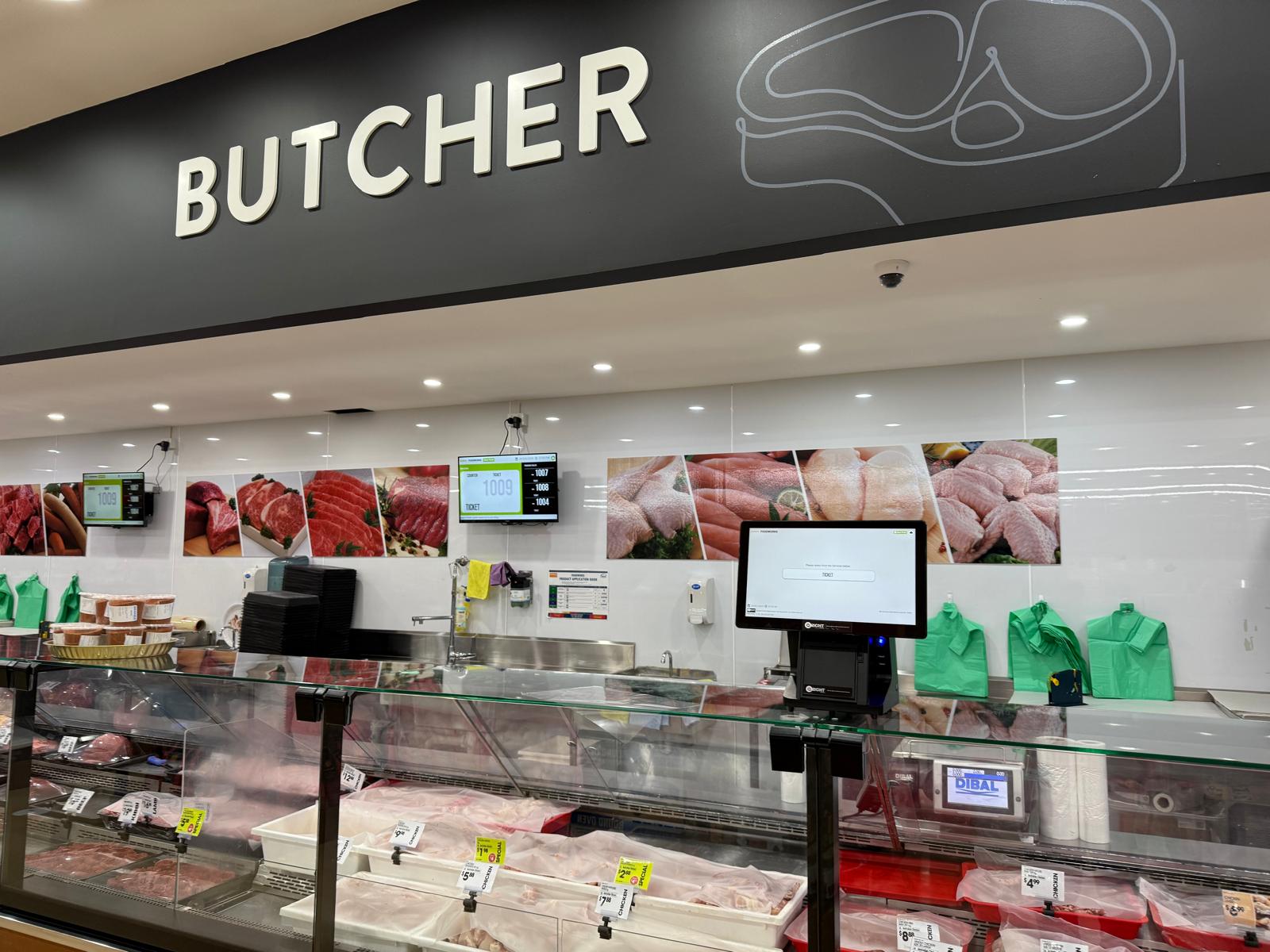
Supermarket retail · Australia
A QRight ticket kiosk and queue displays support customer calling at the FoodWorks butcher and deli counter.
Read case studyLOCAL BUSINESSES. DIFFERENT SERVICE NEEDS.
SHAPED AROUND REAL SERVICE ENVIRONMENTS
These project and interface examples show how QRight can adapt the arrival and waiting experience to different organisations.
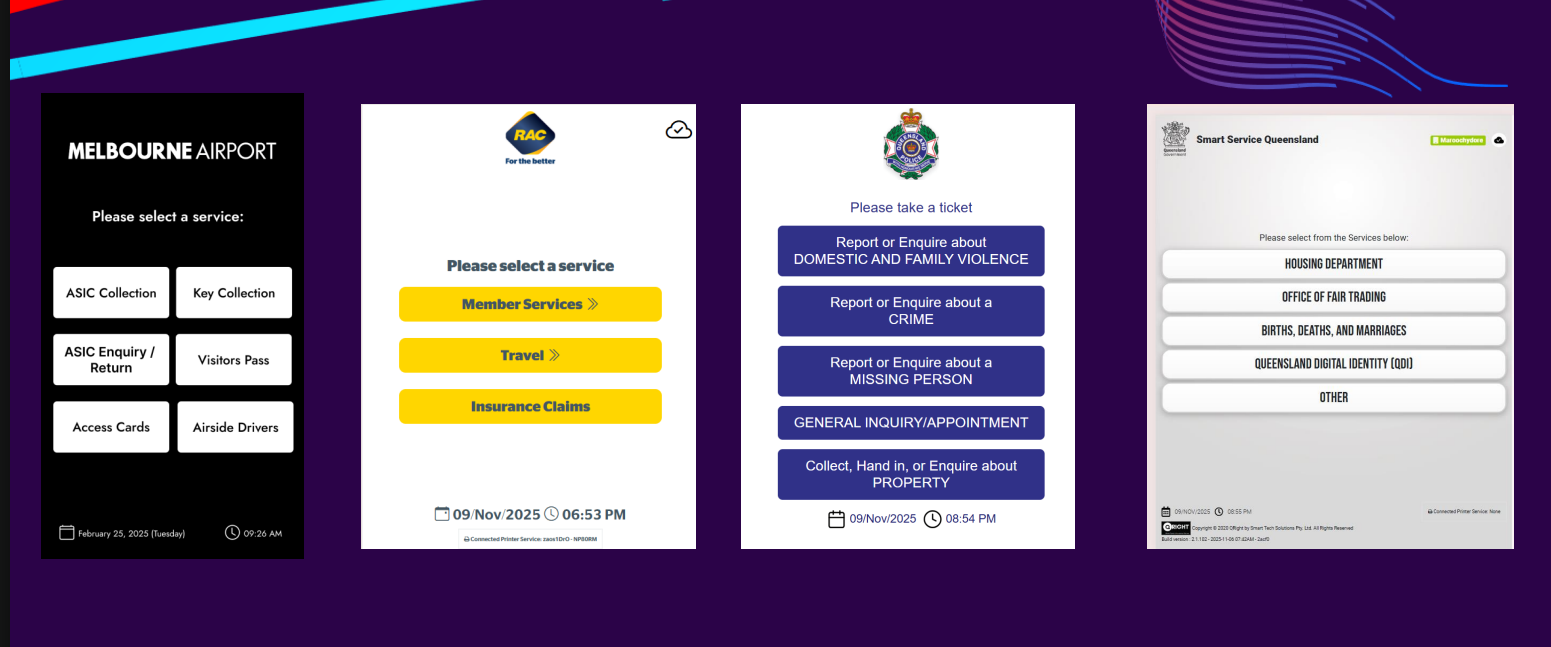
Melbourne Airport’s example separates collections, enquiries, visitor passes and access cards. The government service examples show how one kiosk can route visitors across different service categories.
Display layouts combine called tickets, counter numbers and previously called customers with branded messages or media. The SA Housing project brings kiosk ticketing, priorities, displays and reporting together across eight offices.
Explore the SA Housing project →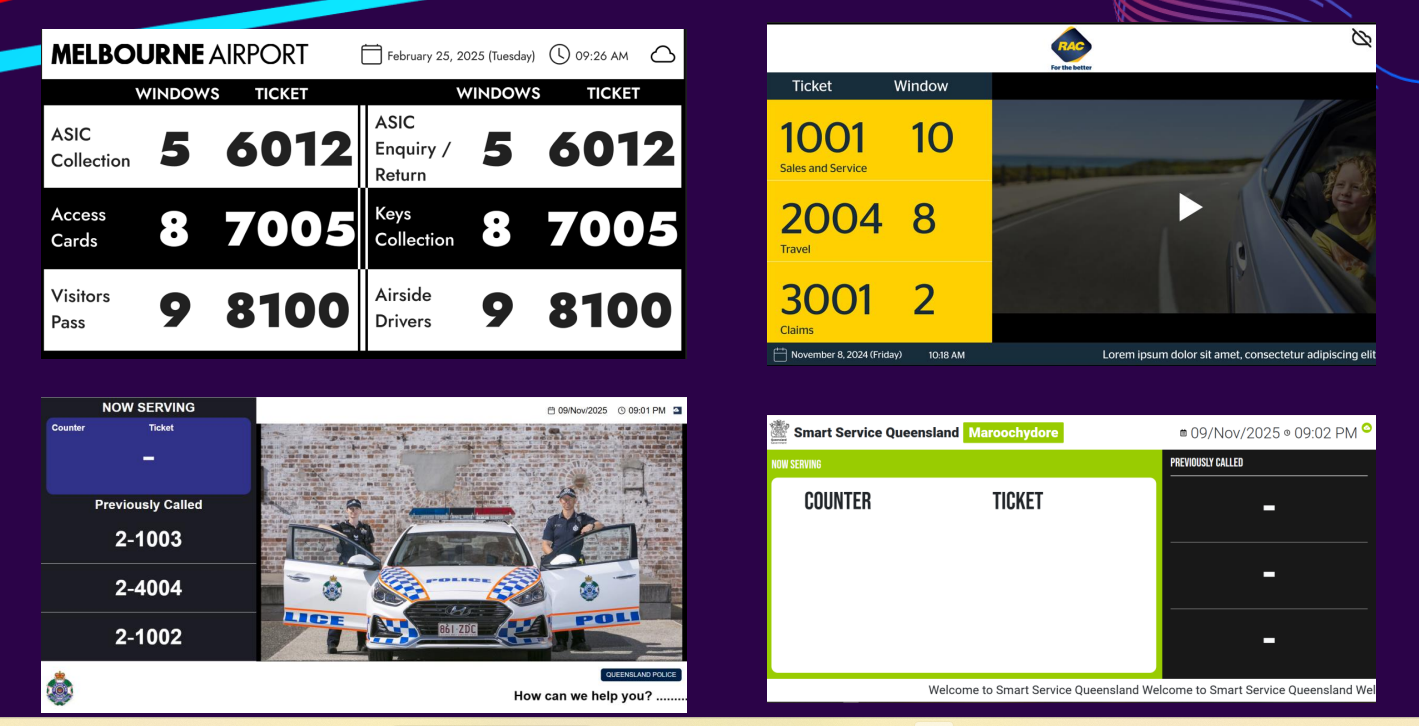
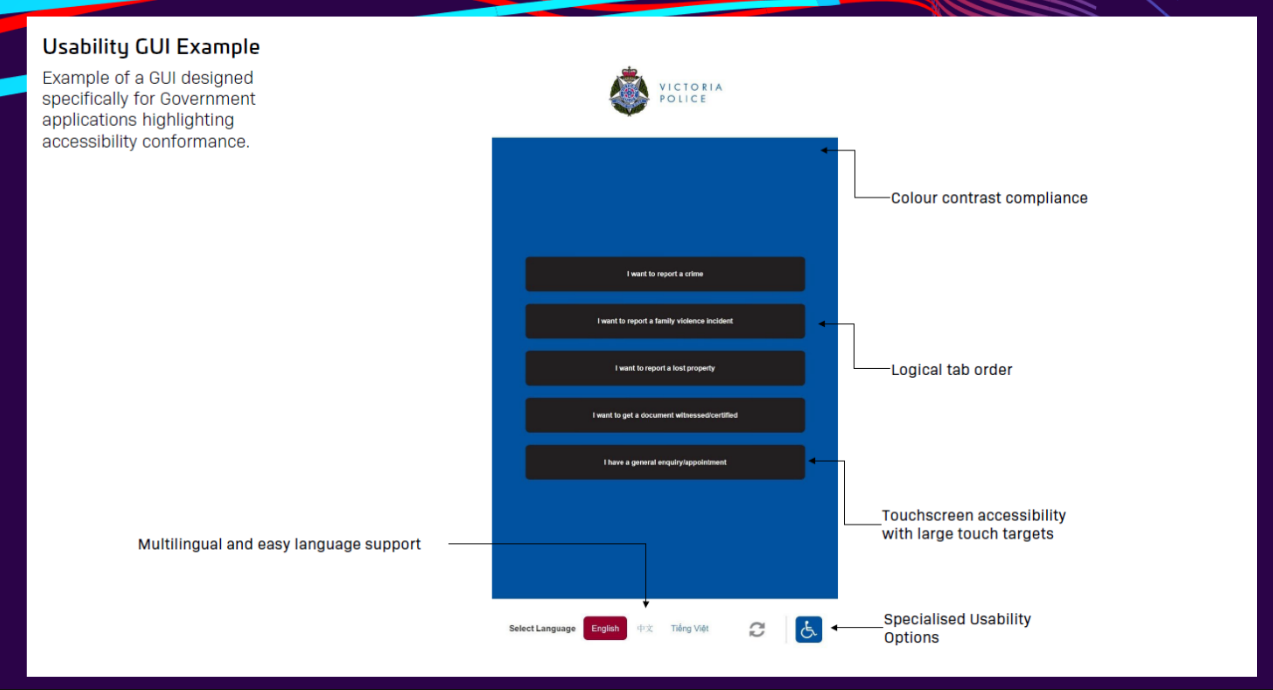
The government interface example highlights colour contrast, logical tab order, large touch targets, language selection and specialised usability options. We discuss these needs as part of the interface design and project scope.
Accessibility requirements and validation are agreed for each implementation.
LET’S MAKE EVERY VISIT BETTER